
About pad sizes and formats

RobinPad uses a system of pads and canvases that do not respond to "real" or physical measurements, as other drawing tools do. The main reason is performance, and in this post I want to explain how it works and why we use pixel measurements that reference physical formats like Din-A or Letter, without specifying a real size.

The aspect ratio
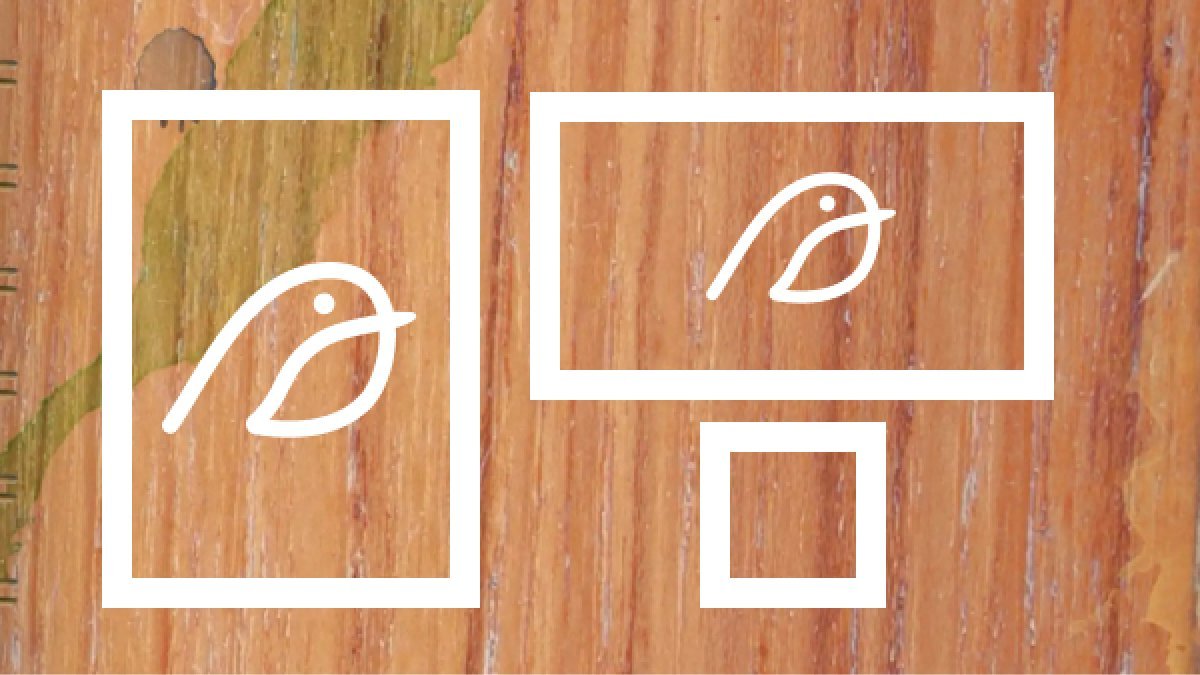
RobinPad uses the aspect ratio as its basis. The aspect ratio is the relationship between the width and the height. A Din format, whatever its real size, will always preserve the aspect ratio, that is, it will always have the same proportion between height and width. A 1:1 square format can be bigger or smaller, but it will always keep the same width-to-height ratio.
This is where the magic happens. By using aspect ratios with carefully tuned pixel measurements, I can use canvases of an optimal size according to your device's performance, and make that canvas grow proportionally when exporting the image, if you need to export your work at 4x, 3x, or any other density.
Performance
But the main reason for using this system is performance. RobinPad is a painting application based on web technologies that runs in a browser. The browser does not give access to all the power, memory, or storage of the device, so using larger or real-size canvases would have affected performance considerably, compromising the painting experience.
High quality export

As I mentioned, the magic happens at export. Thanks to the Pica.js library, which uses advanced algorithms to process images, it is possible to scale from a pixel canvas to larger sizes without considerable loss of quality, allowing you to export your digital paintings to a quality sufficient to print in print-on-demand stores or do professional work.